Making a group
A group is an area for a specific type of post that people can join into.
To make a group, click on the "Groups" button and click "Add Group".
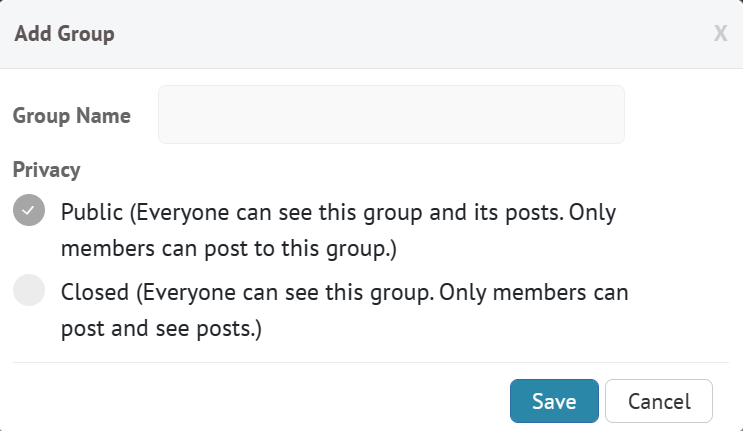
Type your group name in the box next to "Group Name".
You will be asked if you want your group to be public or private. You can select either one.
Adding members
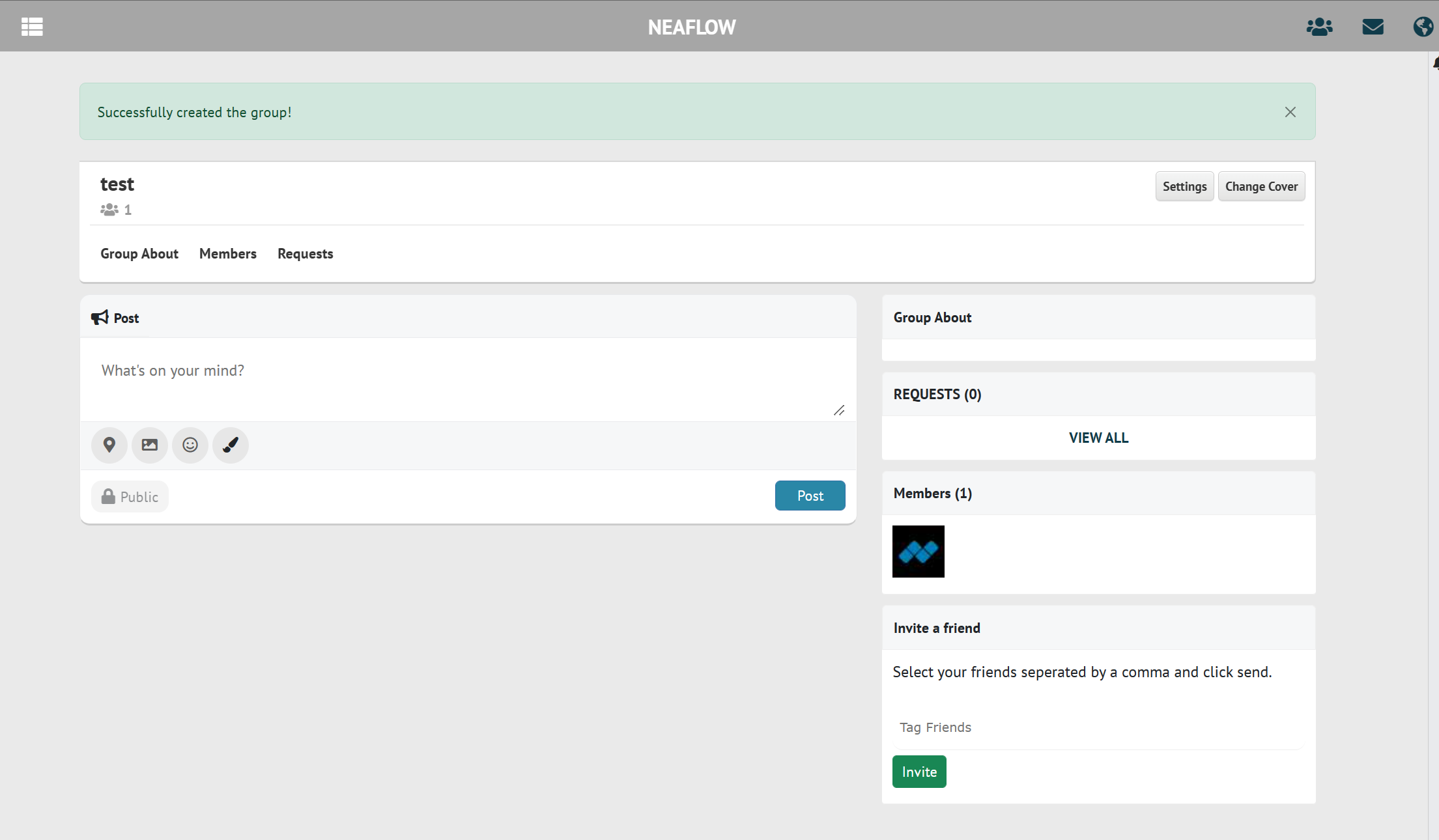
From here, you can invite a Neaflow friend to join your group by clicking the text box is "Invite A Friend" (in the bottom right), typing their name in, and clicking "Invite". They will recieve a notification that they have been invited to your group. Others can also request to join your group, which you will recieve in your notifications and in the "Requests" tab of your group, where you can confirm or deny the request.

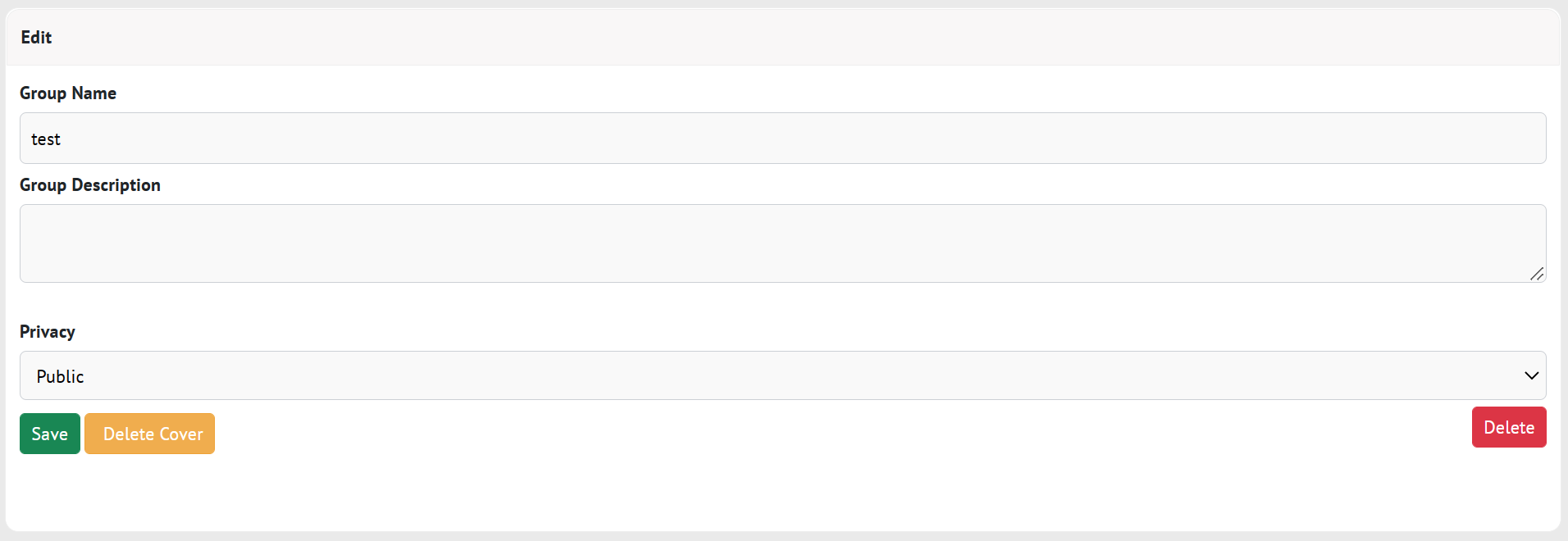
Click "Settings" to change the group name, description, and privacy. Click "save" to save your changes. You can also click "Members" to see a list of all members.
Changing the cover

You can change/add the cover photo with the "Change Cover" button.
Deleting your group
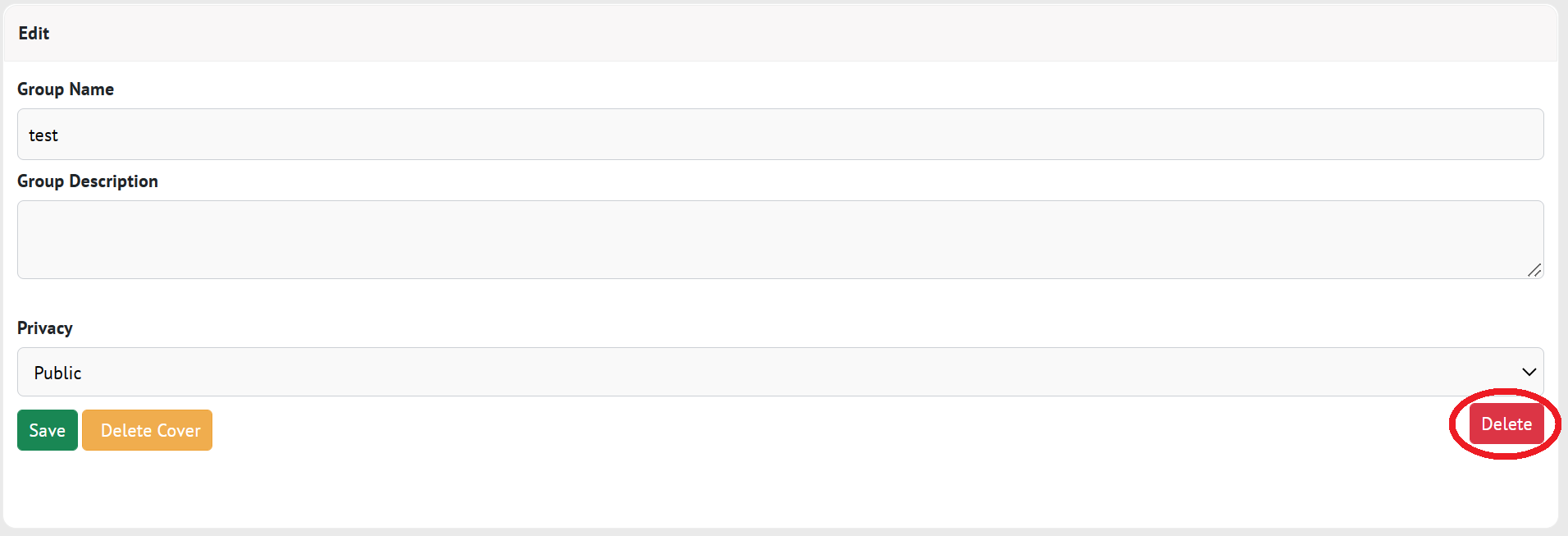
To delete your group, click on "Settings", then "Delete". your browser will ask you if you are sure. Click "Yes" to confirm that you want to delete your group.