Making an account
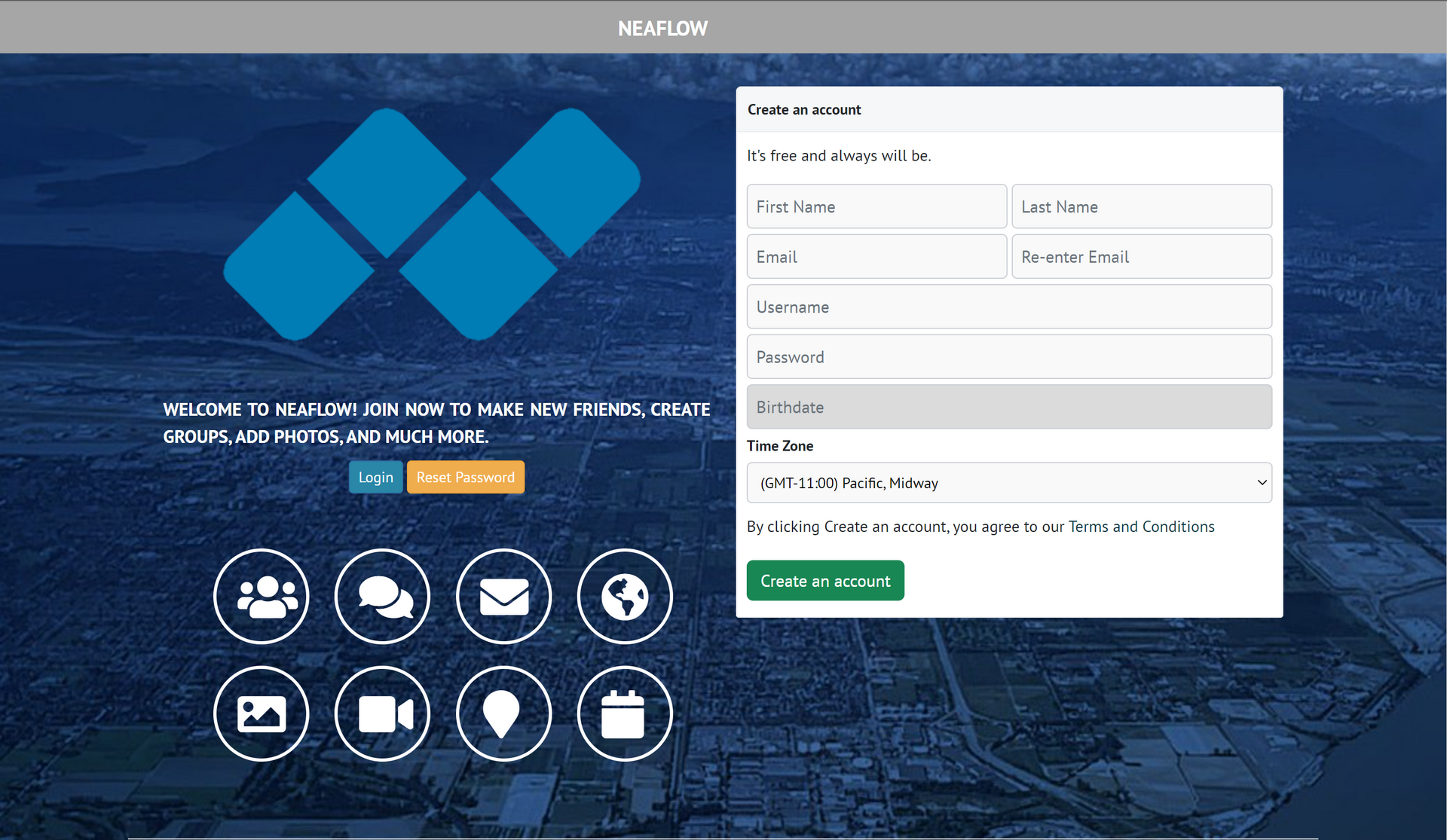
To create an account, go to
neaflow.com
, and you will see the above page. If you do not see the above page, then you are already logged in. Type your details into the boxes (you can choose any avalible and allowed username), and click create an account. You will recieve a confirmation email in your email inbox, or it may have ended up in your spam folder. Click on the link sent, and then log into your account.
But I already have an account!
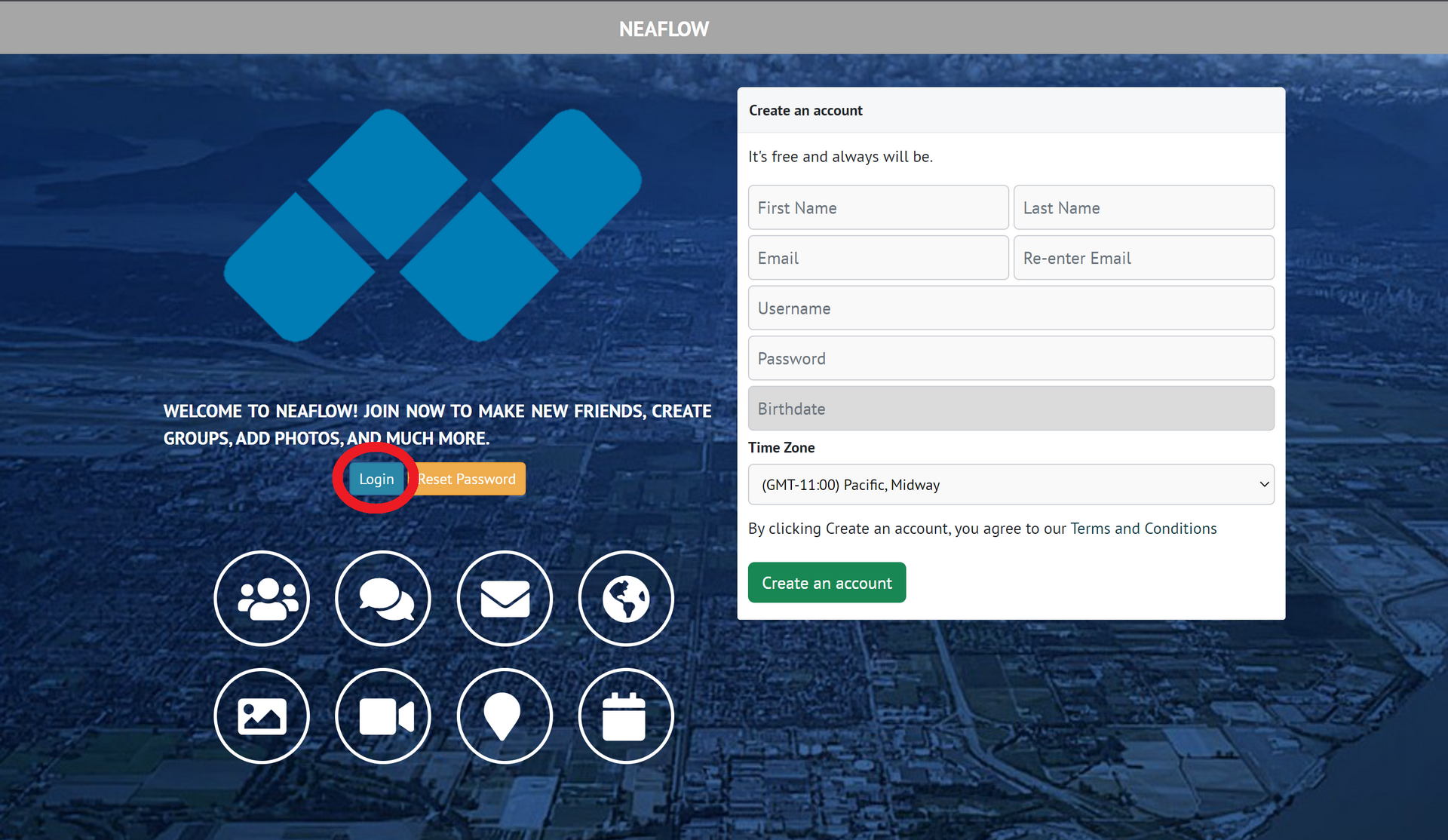
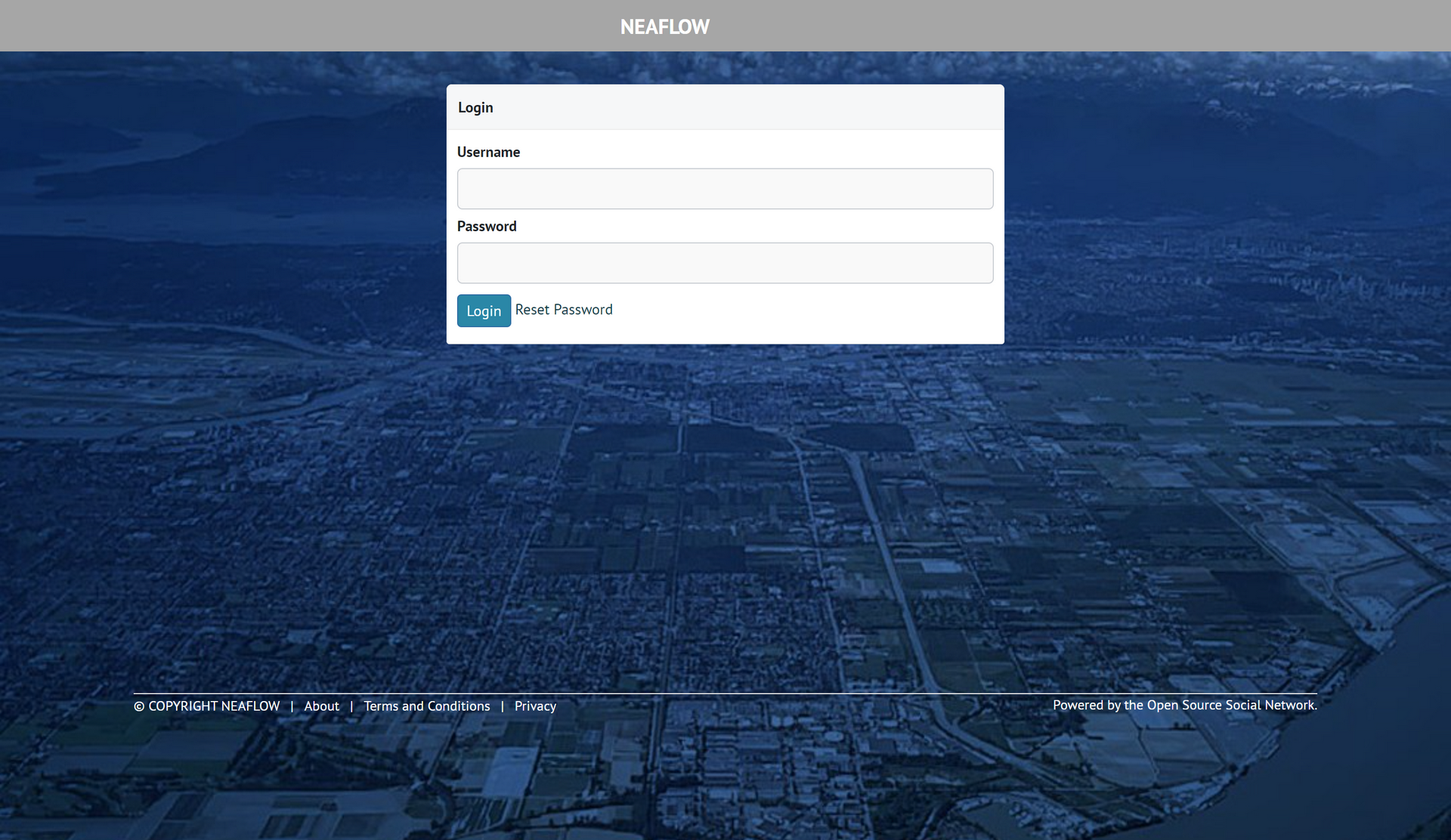
In this case, click on "Login" and type your selected username and password into the boxes, and press login. You will only need to do this once.
I want to log out.
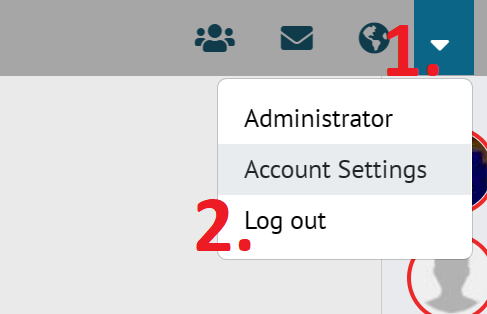
Press the arrow pointing down in the top right of the screen, and then press log out. No further action is required, and you are now logged out.