Private messaging your friends
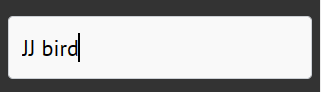
To message a Neaflow friend, click on the search box on the left menu, and type their name, then click enter.
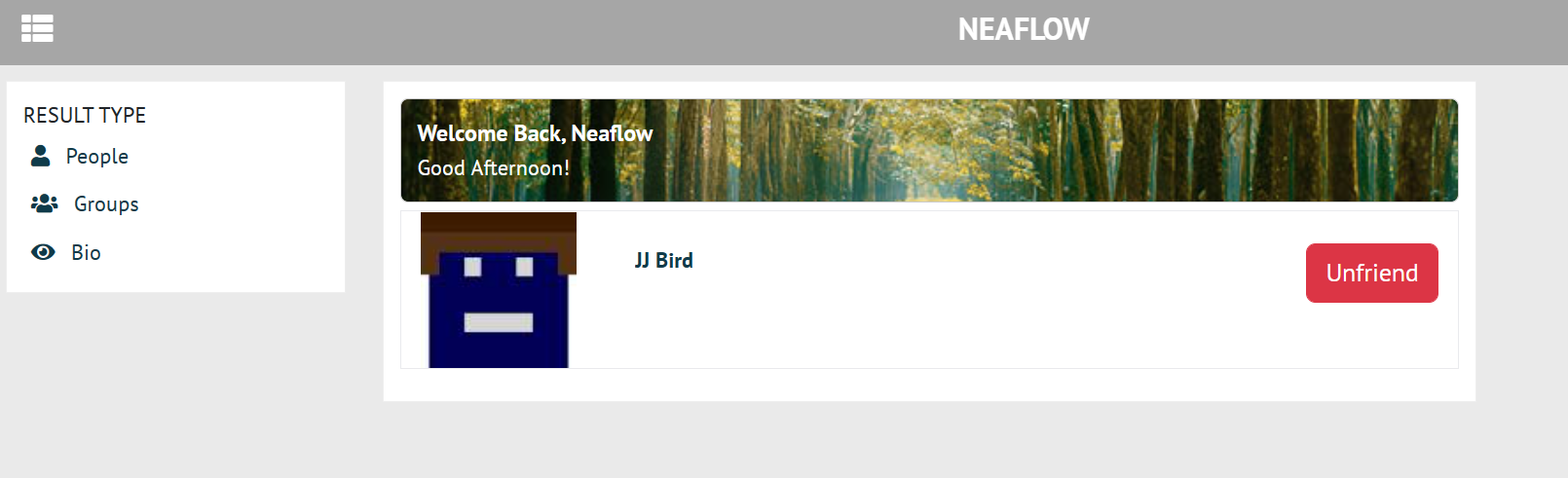
Their profile and photo will appear.
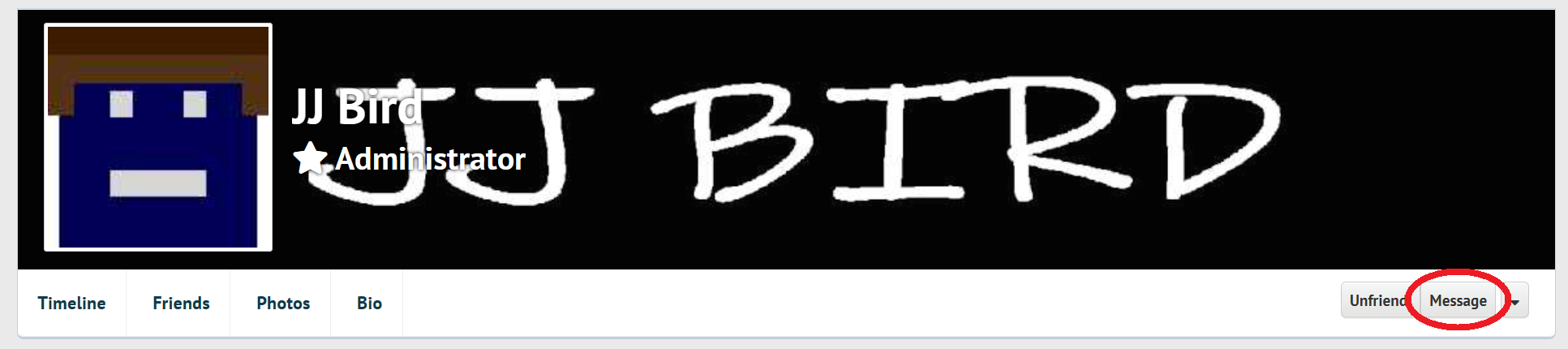
Click their profile and then click "Message" to message them.
A chatbox will appear. you can type a message and/or upload a photo (with the camera button) to send to them.
After messaging them, you can now click the envelope icon to see all your messages, and click on one to pull it up.